Announcements

New updates and improvements to Juuno.co

  1. Important Update: Canva App Upgrade

    Announcement
    Improvement

    We've upgraded our Canva integration - and it's a big improvement.

    Canva recently shut down the API that powered our original Canva app, which means the legacy version is no longer able to create or update designs. We've moved quickly to replace it with a brand new Canva integration (V2) that's already live in your account.

    What's new in Canva V2:

    • Designs stay synced directly with your Canva account or team - no more separate copies
    • Animations, transitions, and audio are now fully supported and preserved
    • Works with most Canva design types (the exception being document-style designs like spreadsheets or multi-page documents)
    • Shared designs and team projects work smoothly, since you're working directly within Canva

    What happens to your existing designs? Nothing changes. Any designs you previously created using the legacy Canva app are safe and will continue to display on your screens. You just won't be able to edit or create new designs through the old app going forward.

    One thing to be aware of right now: Canva V2 currently supports one connected Canva account per Juuno account. If you have multiple team members, they'll need to use the same Canva account that's linked to your Juuno account when creating or editing designs. We know that's not ideal and we're working to improve this.

    V2 is live now - just look for the updated Canva app in your app library to get started.

    As always, if you run into anything, our support team is here to help.

    Add a comment

    2

    Comments

  2. January 2026 Release Notes

    Changelog

    New:

    • Countdown App
    • Days of the World
    • Admin/UI Translations

    Updates:

    • White Label: added github link on players setup tab.
    • Quiz scene: improved handling for longer texts.
    • Screens page: added better dimensions labels when enabling zones.
    • Other minor updates.

    Fixed:

    • Quiz not starting at the exact start time.
    • White Label: invite URLs not working.
    • RSS Reader app: not accepting URLs bug.
    • Screens: preview link not working.
    • Other minor bugs.

    Up Next:

    Please ensure your TV devices have the updated Juuno App installed.

    Log back into Juuno here.
    Add a comment

    Comments

  3. Introducing our new white-label plan.

    juuno-wl-email-01

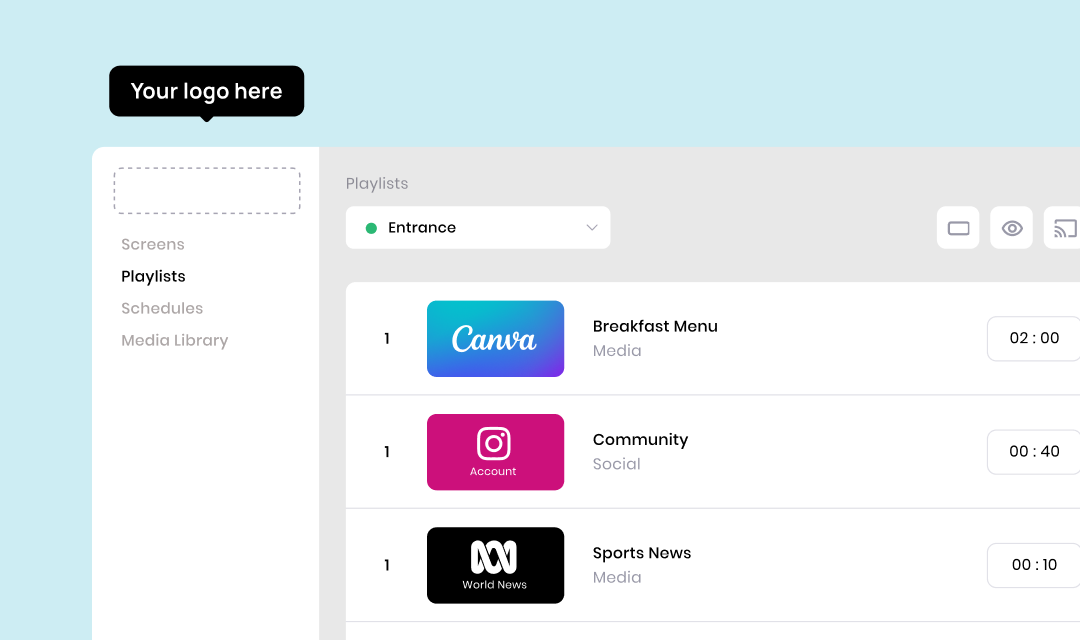
    White Label is now live. You can run Juuno under your own brand, on your own domain, with complete control over the look and feel. It’s the fastest way to add digital signage to your product or service without building the infrastructure yourself.

    • Swap Juuno for your own logo, colours, fonts, and favicon
    • Host everything on your own URL so clients only ever see your brand
    • Get access to our player source code to build your own fully branded hardware experience

    If you want to start making money with digital signage, this is where it begins.

    Get started here.

    Add a comment

    Comments

  4. Introducing Global Playlists and Global Assets

    New Feature
    Announcement

    Global Playlists lets you build a single master playlist that can be added to sequences in any workspace.

    Global Assets lets you upload a file once at the account level and use it across every workspace.

    Who can edit them?

    Only Account Admins can create or edit Global Playlists and Global Assets.

    Workspace Users can use them inside their workspace, but they cannot modify them.

    Perfect when you need one central brand playlist or one global set of assets that stays identical across all sites. Update it once at the top level, and every workspace using it stays in sync automatically.

    Links:

    Media Library overview

    Playlists overview

    4

    Global Playlists for Multi-Facility Organisations

    Problem Large organisations like ours run multiple facilities with several screens each. We need a single corporate playlist that updates everywhere automatically. At the moment, we must manually duplicate a playlist into every workspace, which takes time and creates inconsistencies. Any minor edit, like a typo, has to be fixed one workspace at a time. Proposed Solution Introduce Global Playlists that only Account Admins can create and edit. These Global Playlists can then be added to Sequences across multiple Workspaces. Any changes to a Global Playlist automatically appear wherever it is used.

    La Shae L
    Shipped

    0

    Add a comment

    Comments

  5. October 2025 Release Notes

    Changelog

    New:

    • White Label beta testing has finished. Launching soon!
    • Canva v2 is almost here. Stay tuned!
    • Days of the World App
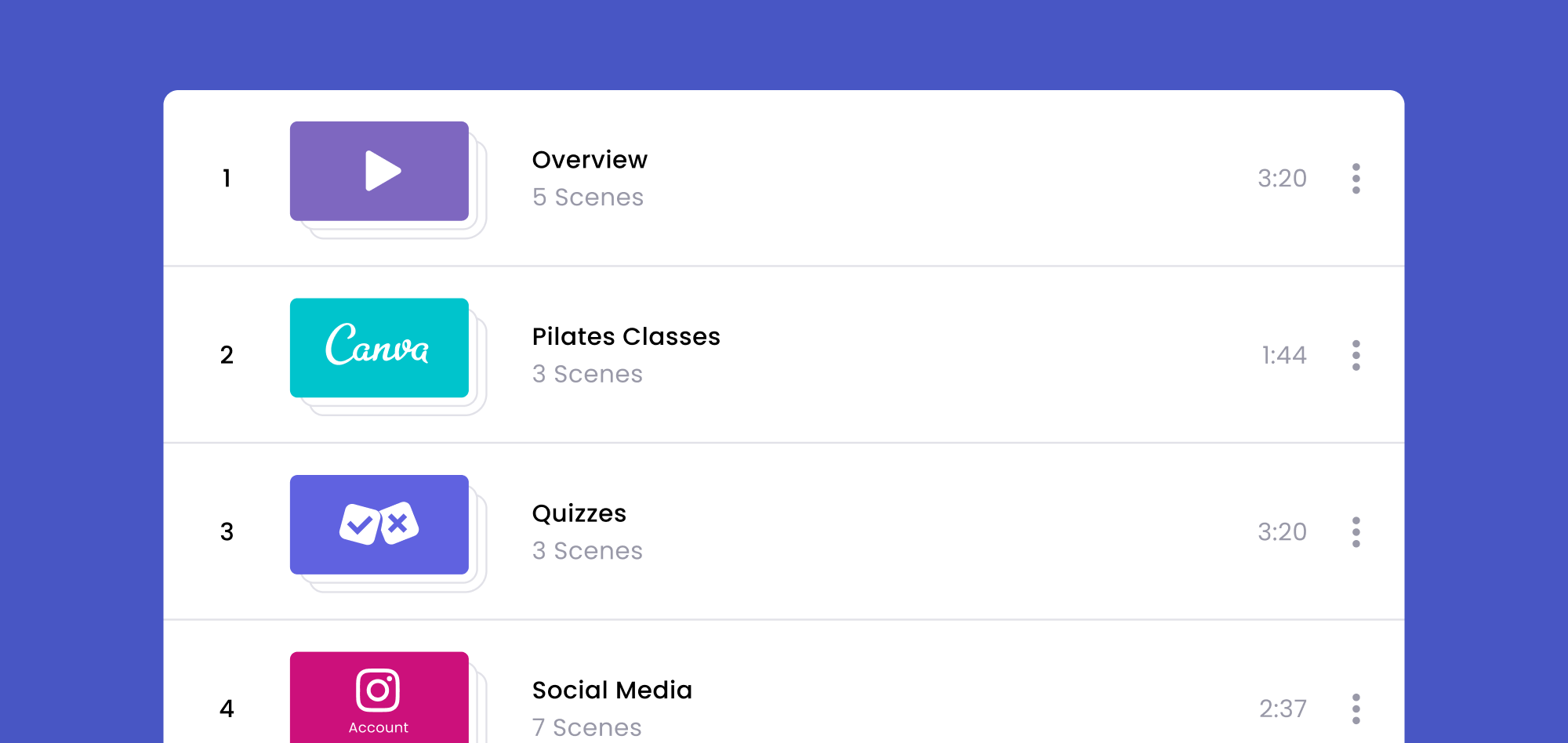
    • Sequence: You may now play your set of playlists in sequence!

    Updates:

    • Sequence: now allows single-scene Playlists
    • Whitelabel Improvements & Design Updates
    • GDrive App: increased video limit from 3 to 10
    • GDrive App: added an option to allow changing the order of media within the Google Drive folder.
    • Other minor updates.

    Fixed:

    • Social Hashtag Apps: post duration not working on video posts.
    • Social Apps: not displaying media bug.
    • Sequence: minor bugs.
    • GDrive App: transition not working on certain layouts.
    • GDrive App: not playing video due to Google's security check.
    • Slideshow apps: minor bug.
    • Video Slideshow: no sound.
    • Other minor bugs.

    Up Next:

    Please ensure your TV devices have the updated Juuno App installed.

    Log back into Juuno here.
    Add a comment

    Comments

  6. New: Sequences (a.k.a. Mega Playlists)

    New Feature
    Announcement
    junno-fril-sequences-02b

    You can now combine multiple playlists into one master Sequence - perfect for managing content across many screens.

    With Sequences, you can:

    • Stack several playlists together in any order

    • Cast one Sequence to multiple screens

    • Add localised playlists per screen (without touching the main one)

    It’s the easiest way to keep global content consistent while tailoring what’s shown locally.

    Available in beta now on the Business Plan. Moving to the Growth Plan in 2026.

    Add a comment

    Comments

  7. August 2025 Release Notes

    Changelog

    Updates:

    • Social Apps: better arrangement or order of post on Moderate tab.
    • Embed and Website Apps: added a customizable refresh interval.
    • GDrive App: now supports video and HEIC files.
    • Screens: added a force refresh option.
    • Weather app and overlay improvements
    • Screens > Weather Overlay: minor design changes.
    • Other minor updates.

    Fixed:

    • Social Apps > Unable to add new connection
    • Sign up page issues.
    • Vooly player: unable to play bug
    • Screens: unable to rotate bug.
    • Media Library: folder options not working.
    • Screens > Zones: incorrect dimension label.
    • Screens > Overlay: edit panel isn't accessible if screen is rotated.
    • Schedules: minor issues
    • YouTube App: not accepting /live URLs.
    • Other minor bugs.

    Up Next:

    Please ensure your TV devices have the updated Juuno App installed.

    Log back into Juuno here.

    Add a comment

    Comments

  8. June 2025 Release Notes

    Changelog

    New:

    • GDrive Slideshow App: You can now enter a Google Drive URL to display the images from that Drive on your screen.

    Updates:

    • Zone fixes and improvements.
    • Quiz scene improvements.
    • Other minor updates.

    Fixed:

    • Sign Up Issues from team invites.
    • New Staff and Birthday App bug.
    • Orientations bug.
    • Video Fit not working.
    • Other minor bugs.

    Up Next:

    Please ensure your TV devices have the updated Juuno App installed.

    Log back into Juuno here.

    Add a comment

    Comments

  9. Introducing Screen Zones (Beta)

    New Feature
    Announcement
    Junno-Fril-Zones-02

    Want to show different content in different parts of the screen?

    Now you can.

    Zones let you divide your screen into multiple areas — each with its own content. Think leaderboard on the left, live schedule on the right. Promo video up top, social feed down below. It’s perfect for multi-message displays and dynamic layouts.

    Try it now by clicking on your screen and editing the Zone configurations in the bottom right of the screen.

    And be sure to let us know what you think!

    ⚠️ Zones is currently in betaYou might see performance issues if you add too many videos. We’re also gradually expanding the list of apps that work in Zones.

    Add a comment

    3

    Comments

  10. March 2025 Release Notes

    Changelog

    New:

    • Image Slideshow: Randomize Order option.
    2

    Image Slideshow - Enable Random Selection

    Add the ability to randomly play slides during the image slideshow. Ability to add any X number of of items and then define a time per slide. The order will be random. For example, you have the image slideshow enabled for 30 seconds, with 5 second intervals between images - with 20 images added. Each time this is on the screen, it will scroll through the images in a random order to prevent stale content. Each time, with the settings above, will display about 5-6 images each pass. Additional request: allow for videos to do something similar or be added to the slideshow element.

    Nicholas B
    Shipped

    1

    Updated:

    • Billing: Email notification with invoice is now available.
    • Billing: Added option to remove/reduce purchased Screens.
    • Admin UI updates and optimizations.

    Fixed:

    • Weather Scene Errors.
    • Schedules: Muted when switching between playlists.
    • Social Apps > Approving/rejecting posts bug.
    • Coupon bug.
    • Other minor bugs.

    Up Next:

    Please ensure your TV devices have the updated Juuno App installed.

    Log back into Juuno here.

    Add a comment

    Comments